On 17 September 2026, the WordPress team released a new version, WordPress 7.1.1. It is the first maintenance update since WordPress 7.1 and it brings two things: 11 security fixes and 36 bug fixes, most of them for features introduced in 7.1.
As with the last few updates, the fix is already available and quick to apply. In this article we explain what happened and what you need to do next, without unnecessary technical detail.
In short
On 17 September 2026, WordPress 7.1.1 was released with fixes for 11 vulnerabilities and 36 bugs. Every version from 4.7 to 7.1 is affected, including sites updated to 7.0.3 or 7.0.4 in August. We recommend updating your site to version 7.1.1 without delay. If you need help, the Jump.bg team is here for you.
What happened
The new version fixes 11 vulnerabilities in WordPress core. Most of them require the attacker to already have an account on the site. One stands out because any visitor can use it, without registering. The table below explains them in plain language:
| Vulnerability | What it could allow | Who could use it |
|---|---|---|
| Hidden code in comments | Injecting a malicious script through a comment, once the comment is approved. | Any visitor, no account needed |
| Installing a theme through a link | Automatically installing and previewing an inactive theme from WordPress.org through a specially crafted link. | An outsider, if a logged-in administrator opens the link |
| Overwriting other people's posts | A user with limited permissions changing a post they have no access to. | A user with the Contributor role or higher |
| Access to files outside the allowed area | Reaching files on the server that should not be accessible through the templates feature. | A registered user |
| Hidden code in content and design (3 separate issues) | Injecting scripts or styles, for example through the header image of some themes, without having permission to do so. | A registered user with certain permissions |
| Information leaks (2 separate issues) | Revealing titles of private posts and addresses of drafts that should stay hidden. | A user with the Contributor role or higher |
| Actions without the right permissions (2 separate issues) | Moving comments and notes into a different discussion, and, on a network of sites (multisite), letting the administrator of a single site activate a plugin for the whole network. | A registered user |
The comment vulnerability deserves a closer look. The attacker does not need an account, only the comment form. However, the malicious comment has no effect until it is approved. So if you moderate comments manually, do not approve comments with unusual content until you have updated your site.

Source: WordPress.org, the About ("What's New") screen in the WordPress 7.1.1 dashboard.
The good news is that, so far, there is no public information about these vulnerabilities being used in attacks. They were reported responsibly by independent researchers and companies, including Anthropic, pwn.ai and members of the WordPress Security Team. Updating to 7.1.1 removes the risk completely, so it is all you need to do to stay safe.
Full details are available in the official WordPress announcement and the version 7.1.1 release notes.
What else was fixed
Beyond security, WordPress 7.1.1 also polishes the new features from version 7.1. It fixes 17 bugs in WordPress core and 19 in the block editor. These are the most important ones for site owners:
- Deleting a user on a network of sites. In WordPress 7.1, the option to choose who should receive a deleted user's content was missing, so the content was deleted without warning. If you run a multisite, this is the most important fix on the list.
- Fatal errors with some plugins. A change in version 7.1 caused crashes in plugins that handle WordPress's internal hooks in an older way.
- The sitemap. On sites with no published posts, the sitemap returned a 404 error, which can confuse search engines.
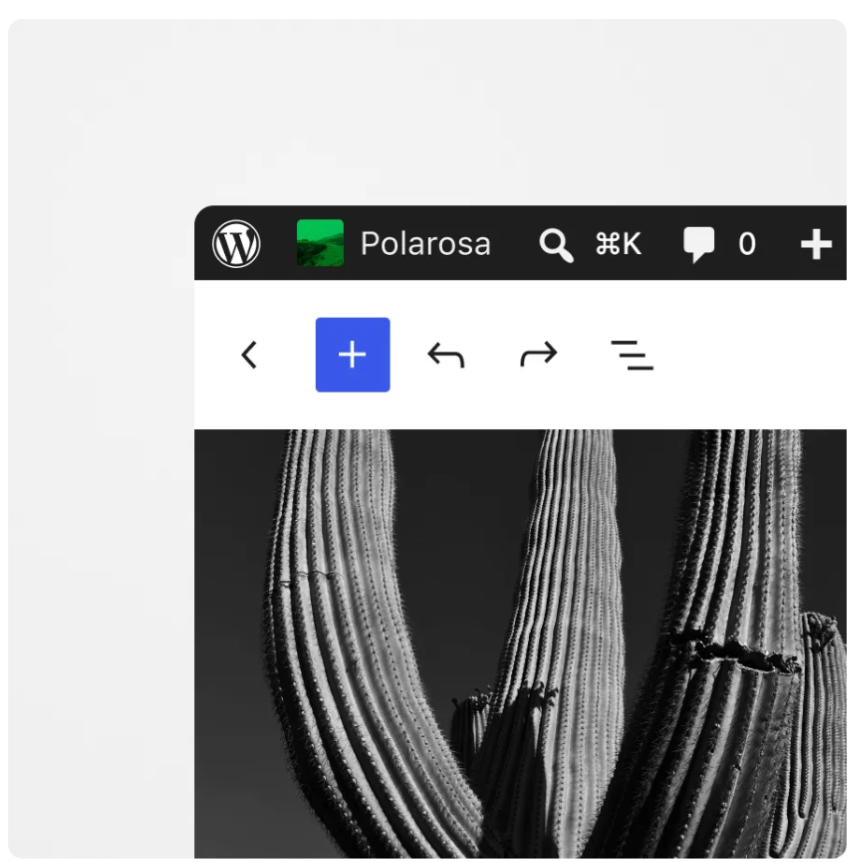
- Tooltips in the admin area. Several issues with the new tooltips were fixed, including a misaligned icon next to "Remember Me" on the login screen.
- The mobile view. The site icon in the top bar no longer overlaps the site title on tablets, and the posts list no longer breaks when a plugin updates on a small screen.
Source: WordPress.org, the About ("What's New") screen in the WordPress 7.1.1 dashboard.
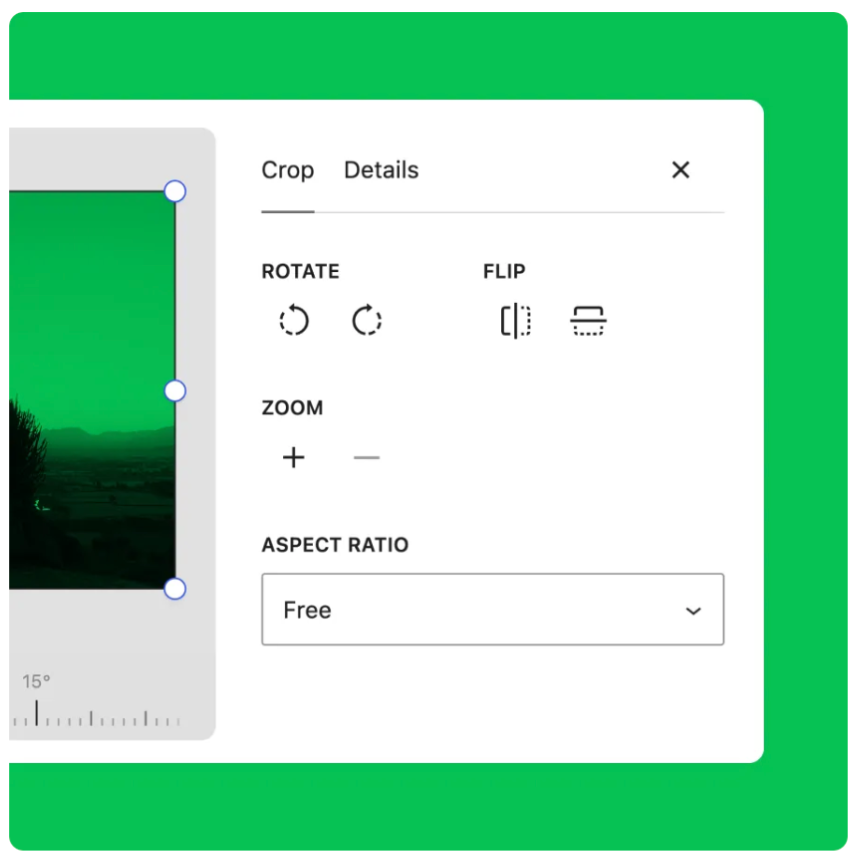
Many of the fixes are about working with images, which was reworked in WordPress 7.1:
- Thumbnails of some PNG images are no longer larger than the original.
- The "Upload complete" message no longer appears when no file was actually uploaded.
- For HEIC images (the typical iPhone format), errors are no longer wrongly blamed on the browser.
- Cropping an image in the Image block keeps the selected size and link.
- The "Crop images to fit" option in the Gallery block works in the editor again.
Source: WordPress.org, the About ("What's New") screen in the WordPress 7.1.1 dashboard.
The editor also gets smaller fixes, for example for lists, the Query Loop block, spacing in block styles and an error when users without administrator rights opened the editor.
Is my site affected?
Once again, the scope is very wide and covers versions released over almost ten years:
| WordPress version | Affected? | What to do |
|---|---|---|
| 7.1.1 | No | No action needed |
| 7.1 | Yes | Update to 7.1.1 |
| 7.0.x (including 7.0.4) | Yes | Update to 7.1.1 |
| 4.7 to 6.9.x | Yes | Update to 7.1.1 |
| 4.6 and older | Yes, and no longer receives fixes | Contact us about a migration |
Please note that updating to 7.0.3 or 7.0.4 in August is not enough. Version 7.0 is affected by all 11 vulnerabilities.
If for some reason you cannot move to 7.1.1 right away, WordPress has also released fixes for older branches, such as 7.0.5, 6.9.8 and 6.8.9. They are already available. This is a good temporary solution, but it does not replace updating to the current version.
By default, WordPress automatic updates stay within the same branch. That means a site on 7.0.4 will update itself to 7.0.5, not to 7.1.1. If you want the latest version, update manually.
If you are not sure which version you are running, you can find it in the WordPress admin area, in the bottom right corner of the screen, or under Dashboard → Updates.
Why you should act now
Now that the fix is public, information about the vulnerabilities is available to attackers too, and sites that have not been updated can become targets of automated attacks. The comment issue is especially attractive for such attacks, because it does not require an account on the site. The good news is that updating takes only a few minutes and removes the risk completely.
What to do
Updating WordPress takes only a few minutes. Follow these simple steps:
- Back up your site. This is good practice before any update.
- Log in to your WordPress admin area.
- Go to Dashboard → Updates.
- If an update is available, click Update Now.
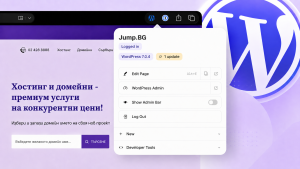
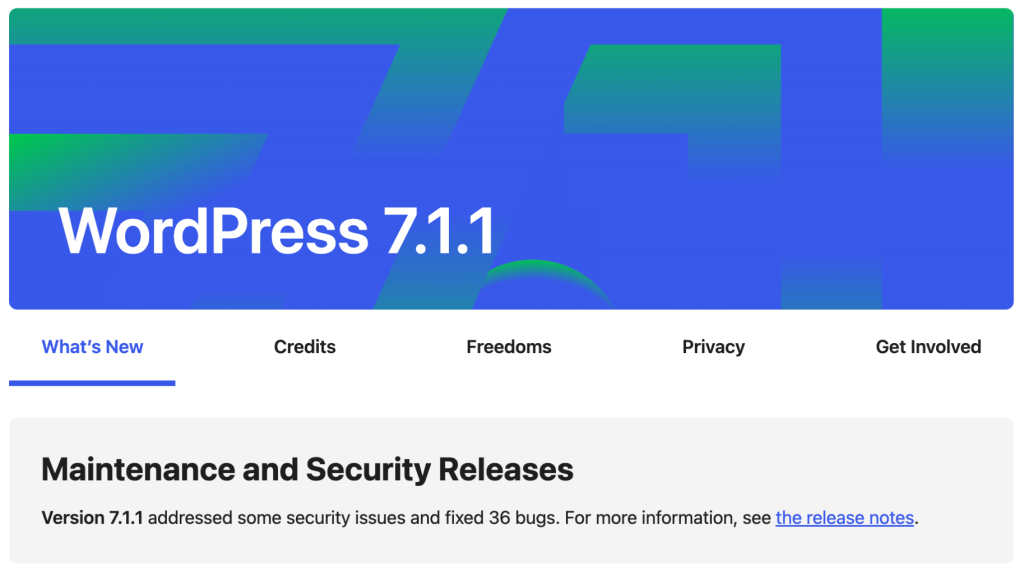
- Check that your version is now 7.1.1. After a successful update, WordPress shows the "What's New" screen with a short note about version 7.1.1, like the image below.
Source: WordPress.org, the About ("What's New") screen in the WordPress 7.1.1 dashboard.
In many cases WordPress applies important security updates automatically, but it is worth checking manually so you can be sure your site is protected.
While you are in the admin area, take a few more minutes for two things:
- Comments → Pending. Do not approve comments that look suspicious, especially if your site is not updated yet.
- Users → All Users. Many of these vulnerabilities require an account on the site. Remove accounts that are no longer in use, and lower the others to the role they actually need.
Need help?
If you are not sure which version you are running, have trouble updating, or simply want someone to check that everything is fine, the Jump.bg support team is here for you. Contact us and we will guide you step by step.
If you are still choosing where to host your site, take a look at our WordPress hosting plans. They are fast, secure and come with expert support, so you can focus on your business.
Your site's security matters to us. If you have any questions, get in touch with the Jump.bg team. We are here to help.